
Mobile app maintenance is the ongoing work required to keep an application secure, reliable, compatible and useful after it has been published. It includes fixing defects, updating dependencies, monitoring backend services, maintaining integrations and responding to changes in operating systems and business requirements.
For Saudi businesses, launching an application also means taking responsibility for its continued operation, customer experience and technical support. At LtsThink, we build maintenance considerations into our mobile app development services in Saudi Arabia, helping businesses plan not only how an application launches, but also how it will be managed and improved afterward.
What is mobile app maintenance?
Mobile app maintenance is the process of monitoring, supporting and improving an application throughout its operational life. It covers the mobile interface, backend, database, administration panel, integrations and the infrastructure supporting the product.
An application can work correctly when first published and still encounter problems later. Operating systems change, external APIs are updated, security vulnerabilities are discovered, business workflows evolve and users encounter situations that were not identified during initial testing.
Consider a hypothetical Saudi retail business with a customer application connected to inventory and payment systems. After launch, the business may need to address an operating system compatibility issue, correct an order-status problem, update a payment integration or improve the checkout experience.
These activities are not necessarily signs that the original development was unsuccessful. They are normal responsibilities of operating a digital product.
A maintenance plan establishes who monitors the application, how issues are handled, what gets updated and how improvements are approved.
1. Bug fixes and technical issue resolution
One of the most visible parts of maintenance is identifying and fixing defects that affect users or business operations.
Some issues appear immediately after launch, while others emerge under particular conditions, devices, network environments or user actions.
Examples include:
- An application screen freezes during a particular action.
- A customer cannot complete registration or sign in.
- A form submits incomplete information.
- An order status does not update correctly.
- Notifications arrive unexpectedly or fail to appear.
- A screen displays incorrectly on a supported device.
- An application crashes after a specific interaction.
A good maintenance process should include a way for users and employees to report issues, a method for recording defects and a clear process for investigating and resolving them.
Not every reported issue has the same impact. Prioritise problems that prevent essential workflows, affect data integrity, expose sensitive information or disrupt important business operations.
For example, a hypothetical delivery company should treat an issue preventing customers from placing orders differently from a minor visual alignment problem on a secondary screen.
After implementing a fix, test the affected functionality and related workflows before releasing an updated build. A correction in one area should not unintentionally break another part of the application.
2. Operating system and device compatibility
Mobile operating systems evolve, and applications need to remain compatible with the environments they support.
Changes in operating system behaviour, device capabilities, permissions, background activity and interface conventions can affect existing functionality.
Maintenance activities may include:
- Reviewing compatibility with supported iOS and Android versions.
- Testing application behaviour on relevant device categories.
- Updating platform-specific configurations.
- Reviewing permission behaviour after operating system changes.
- Checking background tasks and notification handling.
- Updating application dependencies where necessary.
- Resolving layout or interaction issues introduced by platform changes.
A business should define which operating systems and device categories its application is expected to support. Supporting every possible device indefinitely may not be practical, so compatibility expectations should be reviewed as the product evolves.
For Arabic-first applications, compatibility testing should include right-to-left layouts, text rendering, navigation and mixed Arabic-English content.
This is particularly important when an operating system update changes how interface elements are displayed or how applications request access to device capabilities.
3. Security updates and privacy protection
Security is an ongoing responsibility rather than a one-time development task.
Applications depend on frameworks, libraries, APIs, authentication systems, servers and external services. Vulnerabilities or configuration problems in any of these components can create risks for the product and its users.
A maintenance programme should consider:
- Updating vulnerable software dependencies.
- Reviewing authentication and access controls.
- Maintaining secure communication between applications and backend services.
- Reviewing administrator permissions.
- Monitoring suspicious application behaviour.
- Maintaining appropriate backup and recovery arrangements.
- Reviewing data access and retention practices.
- Checking external libraries and integrations for security concerns.
For Saudi businesses, personal-data handling should remain consistent with applicable requirements, including the Personal Data Protection Law (PDPL) where relevant.
Data hosting and residency expectations may also apply depending on the business and information involved. Healthcare and financial applications may have additional regulatory considerations. The business should confirm its obligations with the relevant authority or qualified adviser.
A maintenance team can help implement technical controls and updates, but the business remains responsible for confirming its regulatory obligations and approving relevant data-handling practices.
4. Backend, database and server monitoring
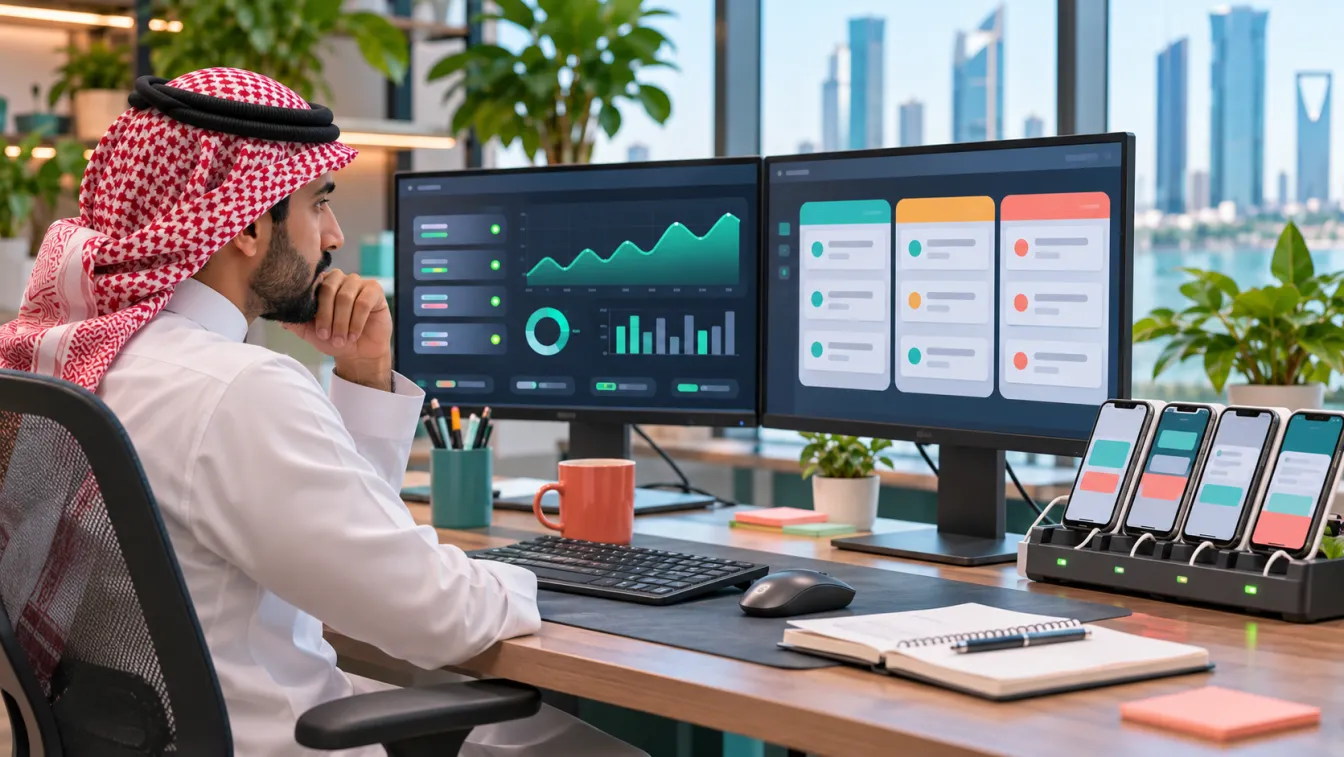
A mobile application is often only the visible part of a larger system. Its backend may manage accounts, orders, bookings, inventory, payments, notifications and business workflows.
If the backend becomes unavailable or processes information incorrectly, the mobile application may appear broken even when its interface is functioning normally.
Backend maintenance should include:
- Monitoring service availability and application errors.
- Reviewing API response failures and performance issues.
- Monitoring database health and storage requirements.
- Checking scheduled jobs and background processing.
- Reviewing authentication and session behaviour.
- Maintaining backups and testing recovery procedures.
- Monitoring resource usage and infrastructure changes.
- Recording significant operational incidents.
Consider a hypothetical appointment application connected to a clinic administration system. If booking information stops synchronising, customers may see outdated availability while employees work with different records.
Monitoring should help identify the failure, determine which system is affected and restore reliable information exchange.
The maintenance scope should clearly identify who manages hosting, infrastructure, databases and server access. These responsibilities should not be assumed to be included automatically in every development agreement.
5. Maintain ERP, CRM, POS and third-party integrations
Many business applications rely on external systems to operate. These integrations need attention because the connected services may change their APIs, authentication methods, data structures or operational behaviour.
Common integration areas include:
- ERP: Products, inventory, invoices, accounting and operational records.
- CRM: Customer profiles, enquiries, leads and interaction history.
- POS: Retail transactions, products and branch information.
- Payment services: Transaction processing, payment status and refunds.
- Maps and location services: Address selection, navigation and location information.
- Communication providers: SMS, email and push notification services.
- External platforms: Delivery services, booking providers and business APIs.
A maintenance plan should identify each integration, its business importance, the responsible provider and the process for responding to changes or failures.
For example, a hypothetical retail application may depend on an ERP system to display accurate stock availability. If the integration stops working, customers could attempt to purchase unavailable products.
The response may require investigating API errors, checking data synchronisation and validating the relevant business workflow before restoring normal operation.
When building integrations, consider error handling, retry behaviour, logging and ways to identify incomplete transactions. These capabilities make future maintenance more manageable.
6. Performance monitoring and application reliability
An application may remain technically available while still delivering a poor experience. Slow screens, delayed API responses, repeated loading and unreliable notifications can affect how users interact with the product.
Performance maintenance should examine both the mobile application and the services behind it.
Useful areas to monitor include:
- Application startup and screen loading behaviour.
- API response times and failed requests.
- Database query performance.
- Image and media loading.
- Network handling and retry behaviour.
- Crash reports and application stability.
- Notification delivery and processing.
- Resource consumption on supported devices.
For a hypothetical e-commerce application, a slow product catalogue may result from inefficient API responses, large images or database queries rather than the visual interface alone.
Investigate the source of the problem before making changes. Optimising the mobile interface will not solve a backend bottleneck, just as adding server resources will not automatically correct inefficient application code.
A practical maintenance process uses monitoring information and reproducible user reports to identify the underlying cause.
7. App Store and Google Play updates
Applications need to be updated when defects are fixed, functionality changes or platform requirements affect the published product.
Updates may involve:
- Preparing a new iOS or Android build.
- Updating application descriptions and screenshots when relevant.
- Reviewing privacy disclosures after changes in data collection.
- Updating permission explanations.
- Testing new features and regression scenarios.
- Preparing release notes.
- Submitting updated builds through the relevant publishing accounts.
- Monitoring the release after publication.
The application should also remain consistent with applicable App Store and Google Play guidelines. Requirements and review procedures can change, so the development team should check current platform documentation when preparing updates.
If a change affects sensitive permissions, payment functionality or personal-data handling, review the relevant declarations and business obligations before publication.
For more information about the initial publication process, read our guide to App Store submission in Saudi Arabia.
8. Product improvements based on user feedback
Maintenance is not limited to fixing technical defects. It can also include improvements that make the application more useful and easier to operate.
User feedback may reveal:
- Confusing navigation or unclear labels.
- Repeated questions about a particular feature.
- Unnecessary steps in a customer journey.
- Missing information on important screens.
- Operational tasks that require too much manual work.
- New business requirements that the application does not yet support.
For example, a hypothetical property management application may receive repeated requests from residents who want to see the history of their maintenance requests. Adding a clear service-history section could improve the experience and reduce the need for manual enquiries.
Evaluate improvement requests according to their business value, user impact, technical dependencies and operational implications.
Do not turn every suggestion into an immediate development task. Some requests may be better addressed through improved instructions, staff training or a change in the underlying business process.
A product roadmap helps separate essential maintenance from new feature development so that responsibilities and priorities remain clear.
9. What should a mobile app maintenance agreement include?
Before an application launches, the business should agree on how ongoing technical support will work.
A maintenance agreement should clarify:
- Supported components: Mobile applications, backend, database, administration panel and integrations.
- Issue reporting: How users and employees submit technical problems.
- Issue prioritisation: How critical defects are distinguished from minor improvements.
- Monitoring responsibilities: Which systems are monitored and who receives alerts.
- Security updates: How vulnerabilities and dependency updates are reviewed.
- Application releases: Who prepares, tests and submits updated builds.
- Infrastructure ownership: Who manages hosting, backups and server access.
- Third-party dependencies: How external provider changes and failures are handled.
- Source-code ownership: Where repositories are maintained and who can access them.
- Documentation and handover: How technical knowledge and credentials are transferred.
- Communication: How the business receives maintenance updates and incident reports.
Also clarify what is not included. Major new features, redesigns, additional integrations and changes to the business model may require separate discovery and development approval.
A clear agreement helps prevent misunderstandings about what ongoing support covers and who is responsible for each component.
10. When should you consider a major improvement or rebuild?
Not every problem should be addressed through another small patch. Sometimes the underlying architecture or product structure needs a more substantial change.
Consider a broader technical review when:
- The application repeatedly experiences the same operational failures.
- Important dependencies are no longer supported.
- The backend cannot support required business workflows reliably.
- Integrations have become difficult to maintain.
- The application contains outdated technical components.
- Security requirements cannot be addressed adequately within the current design.
- New business requirements conflict with the existing architecture.
- Maintaining the current product creates growing operational complexity.
A rebuild should not be the automatic response to every technical problem. Begin with an assessment of the existing codebase, infrastructure, integrations and business requirements.
Sometimes a targeted refactoring, dependency update or backend improvement is sufficient. In other cases, a larger redevelopment may be justified.
The decision should be based on technical evidence, operational risk and the business's future needs.
11. Choosing a maintenance partner in Saudi Arabia
A development company should understand more than how to publish an application. It should also understand how the mobile product operates as a complete business system.
When evaluating an app development company in Riyadh or another Saudi city, ask:
- Can the team maintain both the mobile application and backend?
- Does it understand Flutter and native application maintenance?
- Can it support Arabic RTL and bilingual interfaces?
- Does it understand the integrations used by the business?
- Can it manage updates and store submissions?
- Does it provide clear documentation and technical handover?
- How are critical issues identified, prioritised and resolved?
- Who owns the source code, infrastructure and developer accounts?
At LtsThink, we approach application maintenance as part of the wider product lifecycle. Our team can support the mobile application, backend, admin panel and connected business systems, while helping businesses plan improvements without losing sight of operational stability.
The maintenance scope should be agreed according to the actual product, infrastructure and support responsibilities. During discovery, we review the existing application or proposed architecture and prepare a fixed-price proposal for the agreed work.
An application should remain useful after launch. The right maintenance approach protects the work already delivered and gives the business a practical way to adapt as its customers and operations evolve.
Work with us: Need ongoing support for an existing application or planning maintenance for a new product? Discuss mobile app development and maintenance with LtsThink. You can also read our guide to App Store submission in Saudi Arabia to understand the publishing responsibilities involved in application updates.
FAQ
What does mobile app maintenance include?
It typically includes bug fixes, operating system compatibility, security updates, backend monitoring, database maintenance, integration support, performance improvements and application updates. The exact scope depends on the product and the agreed support responsibilities.
Why does an application need maintenance after launch?
Operating systems, external APIs, security requirements and business workflows change over time. Maintenance helps keep the application reliable, secure and compatible while addressing problems and evolving user needs.
Should mobile app maintenance include the backend and admin panel?
It should when these components are part of the application system and are included in the agreed support scope. Maintaining only the mobile interface may not be sufficient if the backend, database or administration tools are essential to business operations.
Can the original development company maintain my application?
Yes, provided the relevant ownership, source-code access, technical documentation and infrastructure permissions are available. A different development team may also take over maintenance after reviewing the existing application and its technical dependencies.