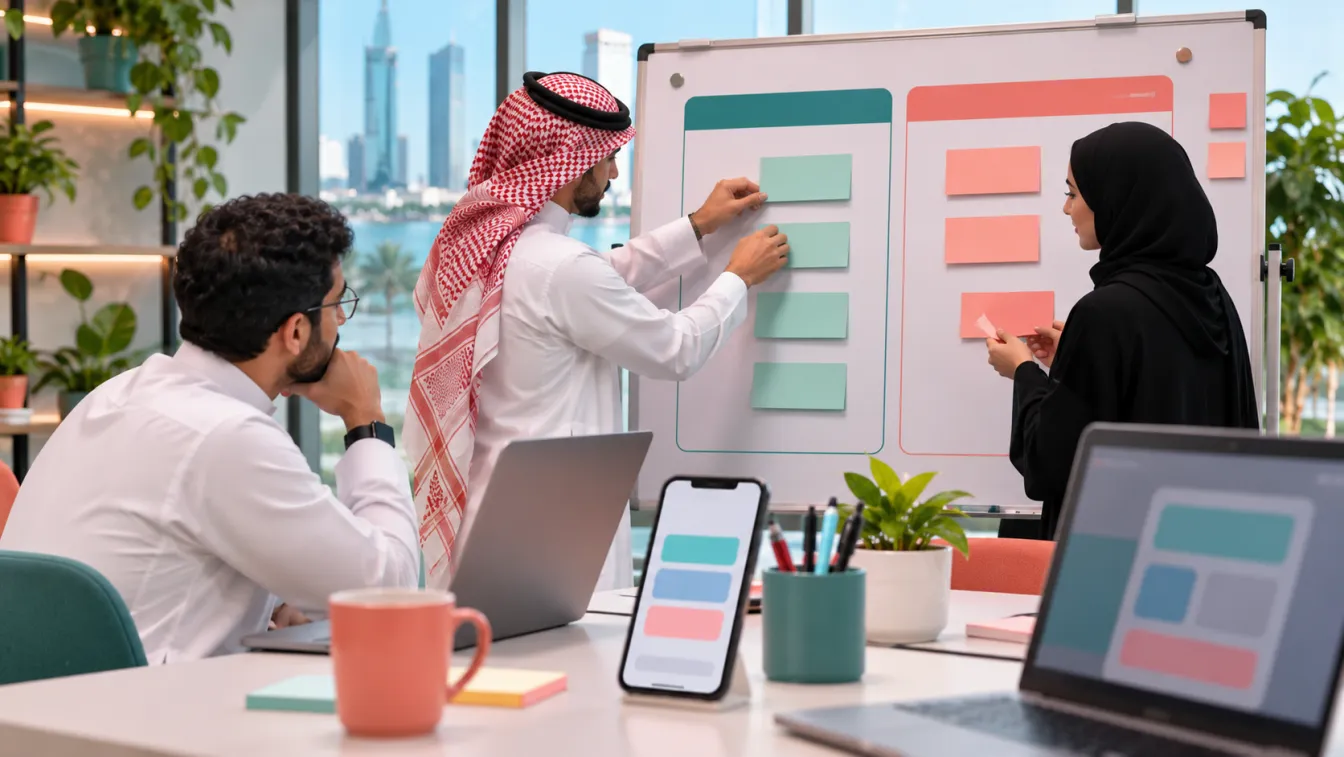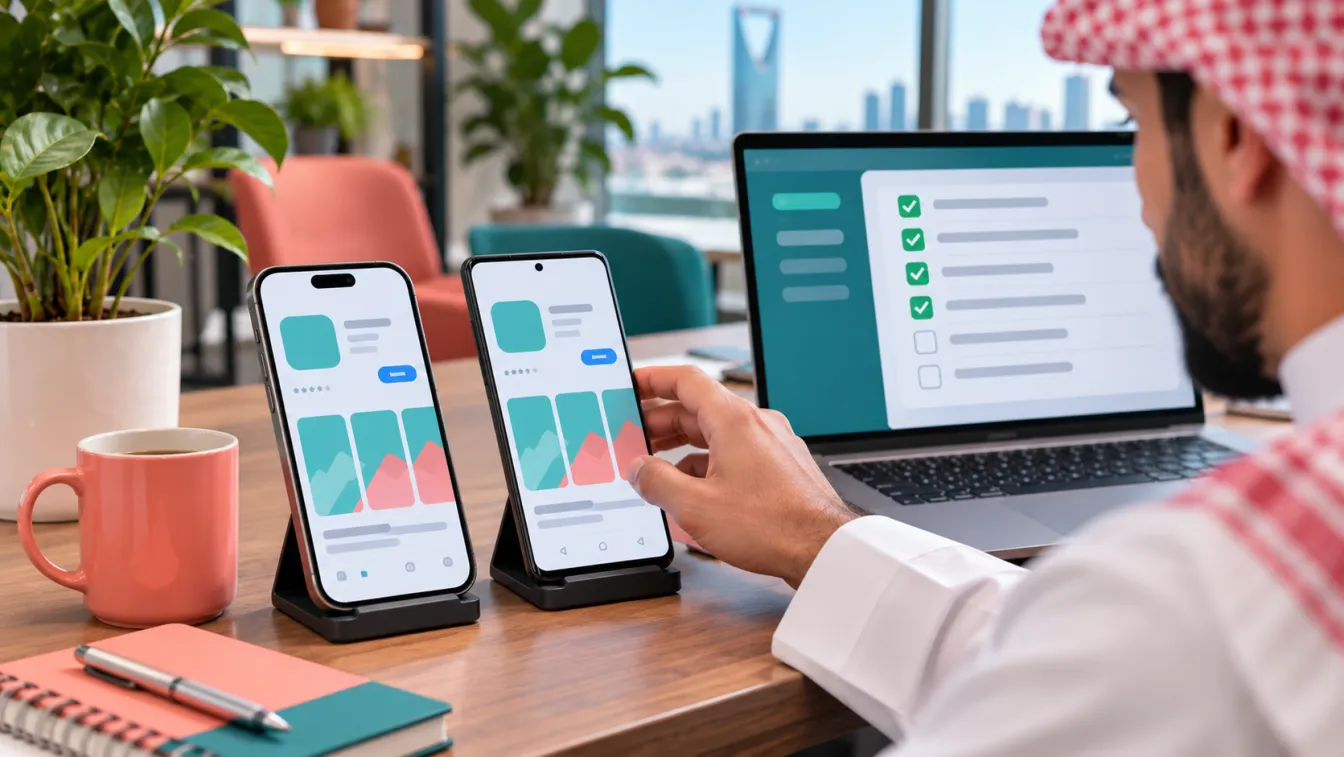


An app prototype is an interactive representation of a proposed mobile application that helps a business understand and test the user experience before development begins. It allows you to explore screen layouts, navigation, user journeys and important interactions without building the complete application.
For Saudi businesses planning a new digital product, prototyping can reveal confusing workflows and missing screens before they become development problems. At LtsThink, we help businesses move from product ideas to validated experiences through our mobile app development services in Saudi Arabia, combining Arabic-first UX, product planning and application development.
What is an app prototype?
An app prototype is a model of how users are expected to interact with a mobile application. Depending on the project's needs, it can range from simple wireframes showing screen structure to a clickable experience that simulates navigation and user actions.
Unlike a finished application, a prototype does not need a working backend, production database or real payment processing. Its purpose is to test the proposed experience and identify problems before committing to implementation.
Imagine a hypothetical Saudi healthcare clinic planning a patient booking application. The initial idea includes selecting a doctor, viewing available appointments, entering patient information and receiving a booking confirmation.
A prototype allows the clinic team to examine how these steps connect. Can patients find the right specialty? Is appointment availability understandable? Are the required fields clear? Can users recover when they select an unavailable slot?
These questions can be explored through an interactive model before the development team builds the actual application.
1. Start with user journeys before drawing screens
A common mistake is to begin prototyping by designing attractive individual screens. A collection of polished screens does not necessarily represent a complete or usable product.
Start by identifying the main users and the tasks they need to complete.
For a hypothetical appointment booking application, the user groups might include:
- Patients: Search for services, select appointments and manage bookings.
- Clinic staff: Review appointments and assist patients with booking changes.
- Administrators: Manage services, staff availability and application content.
Then describe the main journeys for each group.
A patient journey might include:
- Opening the application.
- Selecting a medical specialty.
- Reviewing available doctors.
- Choosing a suitable appointment.
- Entering the required information.
- Reviewing the booking details.
- Receiving a confirmation.
The purpose of this exercise is to understand the sequence of decisions and actions, including what happens when something goes wrong.
Document alternative paths as well. A patient may find no available appointments, enter incomplete information or need to change an existing booking. These situations should influence the prototype rather than being left for developers to guess.
2. Create wireframes to organise the screen structure
Wireframes are simplified layouts that show the arrangement of content and interface elements on each screen.
They focus on structure and usability rather than final colours, illustrations or visual effects.
A wireframe can identify:
- Header and navigation placement.
- Main content areas.
- Buttons and interactive controls.
- Input fields and selection options.
- Information hierarchy.
- Error messages and confirmation areas.
- Navigation between related screens.
For example, a product details screen for a hypothetical retail application may include a product image, name, description, availability information, quantity selection and an add-to-basket action.
The wireframe helps the product team decide whether these elements are organised logically before investing effort in visual design.
Create wireframes for the screens needed to complete the primary user journeys. Do not attempt to draw every possible screen before understanding which interactions actually matter.
At this stage, simple layouts are useful because they encourage discussion about functionality and content rather than distracting stakeholders with visual details.
3. Map navigation and screen relationships
A mobile application should have a clear navigation structure. Users need to understand where they are, what they can do next and how to return to previous steps.
Map the relationships between screens before making the prototype interactive.
For example, a hypothetical delivery application may have the following navigation structure:
- Home screen leading to product categories.
- Category screens leading to product details.
- Product details leading to the shopping basket.
- Shopping basket leading to checkout.
- Checkout leading to order confirmation.
- Account area providing access to order history and profile settings.
Consider how users enter and leave each section. Decide which actions require confirmation, which screens preserve previous information and where users should be redirected after completing a task.
Also account for empty states, loading states, unavailable services and error conditions. A prototype that only demonstrates the ideal path can hide important usability problems.
For Arabic-first applications, navigation should be planned with right-to-left behaviour in mind. Directional elements, back navigation, icons, text alignment and mixed Arabic-English content should be reviewed as part of the experience.
4. Turn wireframes into clickable user flows
Once the screen structure and navigation are understood, connect the screens to create an interactive experience.
A clickable prototype allows someone to tap buttons, select options and move through simulated application journeys.
It should demonstrate important interactions such as:
- Moving between screens.
- Opening navigation menus.
- Selecting categories or services.
- Entering sample information.
- Choosing available options.
- Viewing confirmation and error states.
- Returning to previous steps.
For the hypothetical clinic application, a clickable flow might let a participant select a specialty, choose a doctor, select an appointment and reach a simulated confirmation screen.
The prototype does not need to submit a real booking. It needs to demonstrate whether the intended journey makes sense to the person using it.
An effective prototype should cover the main scenarios identified during requirements analysis. It should not be mistaken for a working MVP or a finished application. The prototype validates the proposed experience; actual functionality, backend processing and integrations are implemented during development.
5. Design for Arabic and English from the beginning
For Saudi applications, bilingual support should be considered during the prototyping stage rather than added after the interface has already been approved.
Arabic and English can create different layout requirements, especially when the application supports right-to-left and left-to-right interfaces.
Review the following elements:
- Arabic navigation order and directional icons.
- Text alignment and reading hierarchy.
- Long Arabic labels and button sizes.
- Mixed Arabic and English terminology.
- Date, time and number presentation.
- Form validation and error messages.
- Switching between interface languages.
- Layout behaviour when content expands or wraps.
Consider whether Hijri and Gregorian date presentation is relevant to the product. For booking, delivery or operational applications, date and time clarity can directly affect the user journey.
Also review the tone of interface messages. Instructions, confirmations and errors should use language that Saudi users can understand naturally without relying on overly literal translations.
A bilingual prototype helps stakeholders evaluate the experience in both languages before visual and technical decisions become difficult to change.
6. Test the prototype with representative users
A prototype should not be approved only because the project owner or design team likes how it looks.
The most valuable feedback comes from people who resemble the application's intended users and can attempt realistic tasks.
For a hypothetical property management application, testing participants might include residents, property administrators and maintenance coordinators.
Give participants practical tasks rather than explaining exactly where to tap.
For example:
- Find a maintenance service and submit a request.
- Locate an existing request and check its status.
- Change an appointment where the workflow permits it.
- Find the contact information for support.
Observe how participants approach each task. Pay attention to:
- Where they hesitate or become confused.
- Which labels they misunderstand.
- Whether they notice important actions.
- Whether they follow the intended navigation.
- Which information they expect but cannot find.
- Whether they understand confirmation and error messages.
Avoid leading participants toward the expected answer. If someone struggles, first understand what in the interface caused the difficulty.
Record feedback as specific observations. For example, "The user could not identify where to change an appointment" is more useful than "the booking screen needs improvement."
7. Turn feedback into design decisions
Testing is valuable only when the findings influence the product.
Review observations and group them into practical categories:
- Navigation problems: Users cannot find the correct section or understand how screens connect.
- Content problems: Labels, instructions or terminology are unclear.
- Interaction problems: Buttons, forms or selection controls do not behave as users expect.
- Missing states: The experience does not explain what happens when information is unavailable or an action fails.
- Accessibility concerns: Text, contrast or controls create unnecessary barriers.
- Business-rule conflicts: The proposed experience does not reflect the actual operating procedures.
Prioritise issues according to their impact on the main user journey and the consequences of leaving them unresolved.
Some changes may involve moving a button, simplifying a form or changing navigation. Others may reveal missing business requirements or a need to reconsider an operational workflow.
Update the wireframes and clickable flows after making the relevant decisions. Keep a record of important changes so that stakeholders understand why the experience evolved.
The goal is not to satisfy every individual preference. It is to develop a consistent experience that supports the agreed business objectives and user needs.
8. What should an app prototype include?
The required prototype detail depends on the complexity of the product. However, a useful deliverable usually contains:
- Screen inventory: A list of the screens required for the selected user journeys.
- User flows: The paths connecting the screens and the actions available at each stage.
- Wireframes: Screen layouts showing content structure and interface elements.
- Clickable interactions: Working navigation within the prototype and simulated user actions.
- Interface states: Loading, empty, success, error and unavailable states where relevant.
- Language variations: Arabic and English layouts when bilingual support is required.
- Feedback notes: Findings from user testing and the decisions made in response.
- Design direction: Agreed visual principles that can guide the detailed interface design.
The prototype should also identify interactions that require technical investigation. For example, location permissions, camera access, external authentication and complex integrations may need additional technical validation.
Not every technical dependency can be proven through a visual prototype. Some questions require API documentation, integration testing or a technical discovery process.
9. Understand the difference between requirements, prototype and MVP
These three deliverables serve different purposes and should remain clearly separated.
- Requirements document: Defines what the business needs. It records user roles, features, workflows, integrations, business rules and acceptance criteria. It establishes the written project scope.
- Prototype: Shows how users interact with the proposed product. It uses wireframes and clickable flows tested with representative users to validate navigation, screen structure and the overall experience.
- MVP: Defines which approved capabilities will be included in the first working release and which will be delivered in later phases.
For example, a hypothetical online education platform may require student accounts, course discovery, lesson access, progress tracking, instructor tools and administrative reporting.
The requirements document describes all these business needs. The prototype tests how students find a course, access lessons and understand their learning progress. The MVP decision determines which of those capabilities must be available in the first operational release.
The prototype helps validate the experience, but it does not decide the complete business scope or replace implementation. A clickable demonstration is not a production application.
You can read more about the written scope in our guide to the mobile app requirements document and about first-release planning in our guide to MVP app development.
10. When should you create a prototype?
Prototyping is especially useful when:
- The product introduces an unfamiliar customer journey.
- Multiple user roles interact with the same system.
- The application includes complex forms or booking processes.
- Business stakeholders have different expectations about the interface.
- Arabic and English layouts need validation.
- The application includes operational workflows that are difficult to explain verbally.
- Important interactions need to be tested before development.
However, a prototype does not need to become a separate, extensive project for every application.
A relatively straightforward product with well-understood workflows may only need essential wireframes and a limited clickable flow. The appropriate level of detail depends on uncertainty, product complexity and the decisions that need validation.
The aim is to resolve meaningful questions before development, not to create design documents that add no practical value.
11. Prepare for development after prototype validation
Once the main user journeys have been tested and the interface direction has been agreed, prepare the materials needed by the development team.
These should include:
- Approved wireframes and screen layouts.
- Validated clickable user flows.
- Arabic and English content requirements.
- User roles and permissions.
- Functional requirements and business rules.
- Interface states and error scenarios.
- Required integrations and technical dependencies.
- Acceptance criteria for important features.
- Design assets and visual guidelines.
The team should review the prototype alongside the written requirements. This ensures that the design reflects the agreed business scope and that important interactions are understood before implementation.
At LtsThink, product design and development are planned together. Depending on the project, we can deliver Flutter or native applications, backend services, administration panels and connections to ERP, CRM, POS and supported Saudi payment services.
We also consider store submission, operational handover and post-launch maintenance as part of the wider product journey. The technical approach and delivery scope are reviewed during discovery, and a fixed-price proposal is prepared after the requirements and responsibilities have been clarified.
A well-tested prototype gives the project a clearer starting point. It helps the business make informed decisions, reduces ambiguity for developers and gives everyone a shared understanding of the intended user experience.
Work with us: Looking for an app development company in Riyadh or a team that works across the Kingdom? Planning a new mobile application for your Saudi business? Discuss your app design and development project with LtsThink. You can also explore our guide to the mobile app requirements document in Saudi Arabia to understand how business requirements become a written development scope.
FAQ
What is the difference between a wireframe and an app prototype?
A wireframe shows the structure and arrangement of a screen, usually without detailed visual styling. A prototype connects screens and interactions to simulate how users navigate and complete tasks. Wireframes can form the foundation of a clickable prototype.
Does an app prototype need a backend or database?
Usually not. A prototype can simulate navigation, form inputs and user interactions without real backend processing or production data. Technical integrations and backend behaviour are addressed during technical discovery and development.
Should I test an app prototype with real users?
Yes, where possible. Testing with people who represent the intended audience helps identify confusing navigation, unclear labels, missing information and usability problems before development. Participants should complete realistic tasks without being guided through every step.
Is a prototype the same as an MVP?
No. A prototype is used to explore and validate the proposed user experience through wireframes and clickable flows. An MVP is a working application release containing the selected essential features. The prototype helps inform the product design, while the MVP is implemented and prepared for actual use.