

CRM systems in Saudi Arabia
Built for the person filling it in, not the person reading the report.
Most sales teams here do not lose deals to competitors. They lose them to a WhatsApp thread nobody followed up, a quotation that took three days, and a handover where the customer had to repeat everything. A CRM is worth building when it fixes that — one record per customer, every conversation attached, and the next step owned by a name.
- Website form
- Ad campaigns
- Phone calls
What a CRM does — and how it differs from an ERP
Before and after the invoiceA CRM holds everything that happens before and after the invoice: the enquiry, the conversations, the quotation and its revisions, why a deal was won or lost, the complaint six months later and how it was resolved. An ERP holds the transaction itself and its consequences — stock, the ledger, payroll. Companies get into trouble when the two are asked to be one thing, or when neither is told which of them owns the customer record.
The channelThe Saudi specific here is the channel. A large share of B2B and consumer selling runs through WhatsApp, on personal phones, and that has a consequence most CRM projects underestimate: when a salesperson leaves, the relationship leaves with the device. Nobody can see what was promised, what was quoted, or when to follow up. A CRM that does not capture that channel is describing a sales process the company does not actually have.
The daily paybackThe second thing that decides success has nothing to do with software: whether the system makes a salesperson’s day easier or harder. A CRM that only exists so management can see a forecast will be filled in badly on Thursday afternoon and the pipeline will be fiction. The systems that survive are the ones that produce the quotation, hold the price list, remind you who to call, and let the rep answer the customer from inside the record — the reporting is a by-product of that, not the reason to log in.
Buy or buildYou do not always need a custom build. Established CRM products cover standard sales well and are the cheaper answer for a straightforward pipeline. Custom becomes worth it where the selling itself is unusual — contract pricing per customer, configured products, a quotation that depends on a site survey, an approval chain that branches by value — or where the CRM has to sit tightly against a system you already run. We will tell you which case you are in before quoting.
Two systems, one place they overlap.
- The enquiry and the conversations
- The quotation and its revisions
- Why a deal was won or lost
- The complaint six months later
- The transaction itself
- Stock and purchasing
- The ledger
- Payroll
One system owns it and the other subscribes. That is a decision, not a technical problem — and it is made before either is configured. Leave it open and you end up with two versions of the same account and no agreement on the balance.
The relationship should not leave with the device.
The thread ends where the salesperson does. Nobody can see what was promised, what was quoted, or when to follow up.
Logged through the official WhatsApp Business platform against the account, so the history survives a phone change or a resignation — and whoever picks the account up next can read it.
Two things we set expectations on early: the official platform has rules about who may message first and within what window, and messages sent outside a customer-initiated conversation are charged by the provider. We size that before you commit.
One record, everything attached.
Not six systems emailing each other. What follows are compartments of the same customer record — the salesperson, the service engineer and the manager are looking at one page.
Pipeline & lead management
Leads captured from the website, ads, calls and WhatsApp into one queue, assigned by rule rather than by whoever is quickest, with stages that mean something and a next action on every open deal.
Quotations & pricing
Quotations generated from your real price list with discounts and approvals enforced by the system, versioned so you can see what changed, and issued as a proper bilingual document instead of a rebuilt spreadsheet.
WhatsApp & conversations
Customer conversations logged against the record through the official WhatsApp Business platform, so history survives a phone change or a resignation — with templates for the messages your team sends twenty times a day.
Service & tickets
After-sales requests, complaints, warranty and maintenance visits tracked with an owner and a due time, and visible on the same customer record the salesperson sees — so nobody sells to an account with an open complaint.
ERP & channel integration
Connected to your ERP or accounting system so credit limits, stock availability, invoices and payments are visible where the selling happens — plus website forms, ad platforms, the store and your phone system.
Forecasting & reporting
Pipeline by stage, source, salesperson and expected close, with win and loss reasons captured as a required field so the reporting is worth reading. Reports in Arabic or English, scheduled to the people who act on them.
Which is how nobody sells to an account with an open complaint.
How the work actually runs.
The first three stages get a system built. The last two decide whether it is used.
- 01
Map the sales process
A short engagement with the people who actually sell — not only the sales director — to establish how a deal really moves, where it stalls, and what the reps are doing outside any system today.
- 02
Choose or design
We recommend a product to configure or a system to build, with the reasoning written down. Either way the stages, fields, roles and permissions are agreed before anything is set up.
- 03
Build & connect
Pipeline, quotation flow, WhatsApp, website forms and the ERP link — built and tested with real customer data, and with the Arabic interface treated as the primary one where the team works in Arabic.
- 04
Migrate & launch with the team
Existing customers and open deals imported and de-duplicated, then training run by role — reps, service, management — with the first weeks treated as the period where the configuration gets corrected, not defended.
- 05
Adoption & tuning
We watch what is actually being used in the first months and remove what is not. A field nobody fills in is not a discipline problem — it is a field that should not have been required.
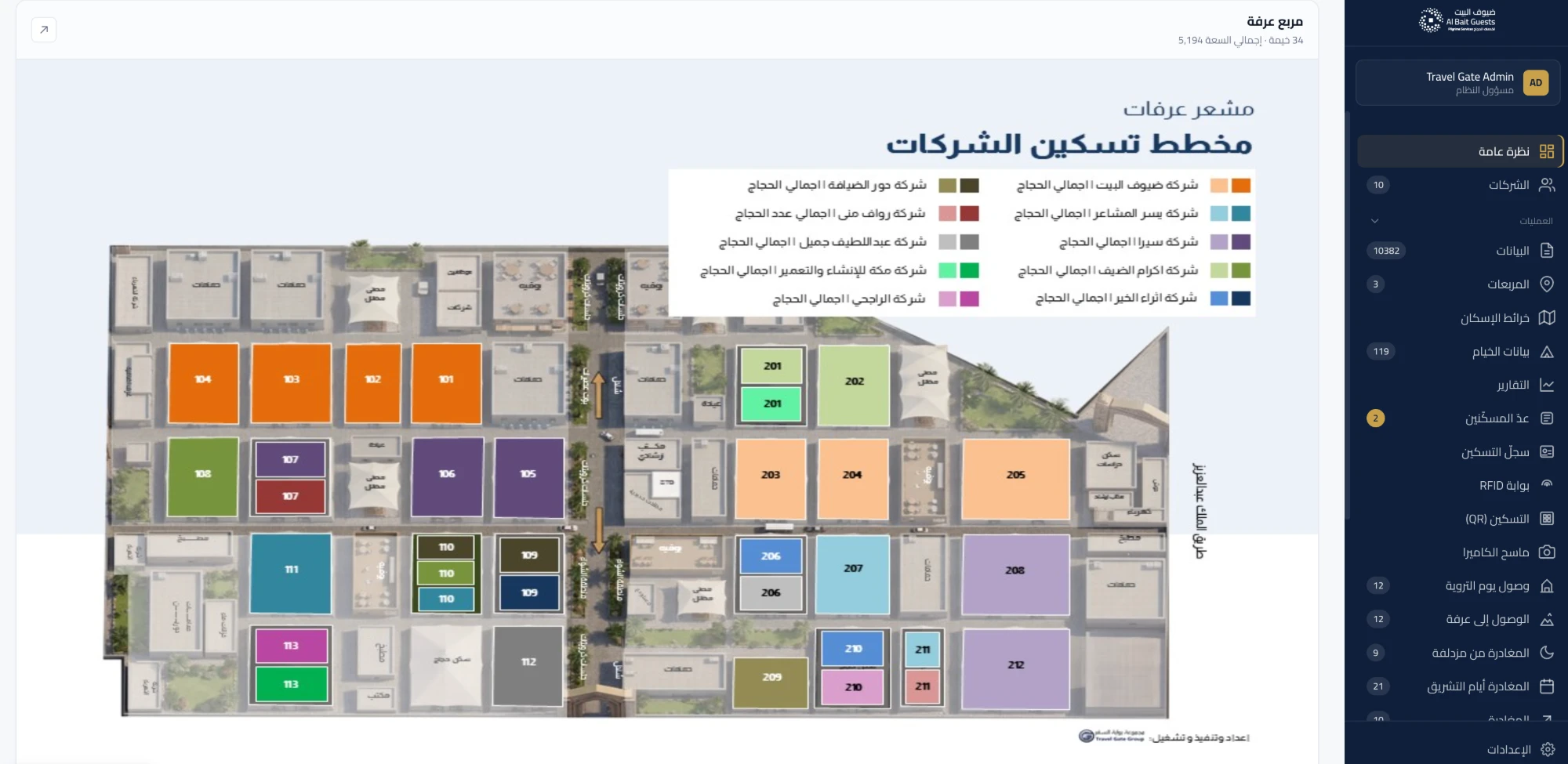
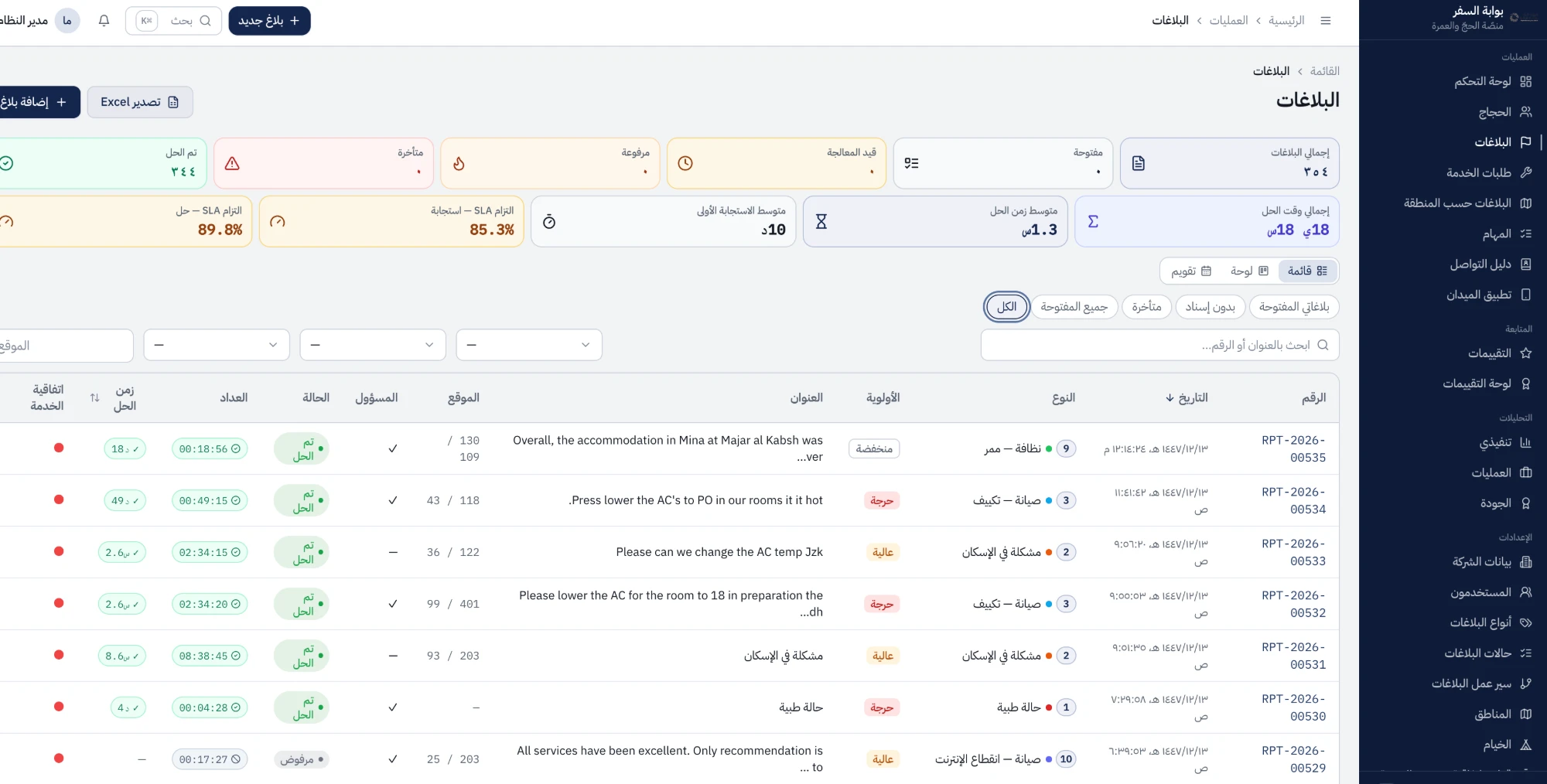
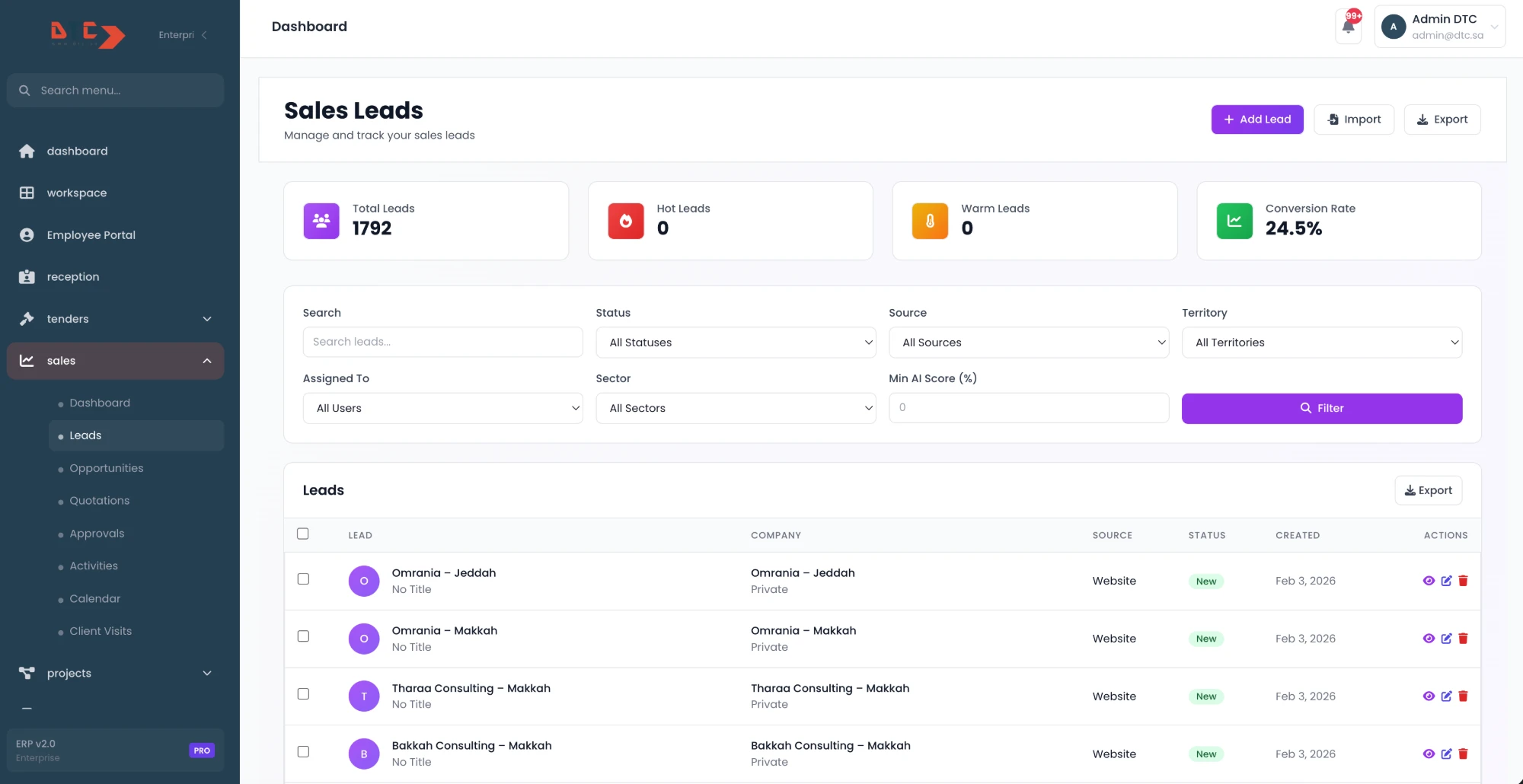
Sales teams across the Kingdom.
We sit with sales teams on site in Jeddah and Riyadh and work remotely with the rest — with the interface, the training and the reporting in Arabic, English, or both at once.
- Jeddahجدة
- Riyadhالرياض
- Makkahمكة المكرمة
- Madinahالمدينة المنورة
- Dammamالدمام
- Khobarالخبر
The questions we get asked.
What is the difference between a CRM and an ERP?
A CRM manages the relationship — enquiries, conversations, quotations, why deals are won or lost, and service after delivery. An ERP manages the transaction and everything it touches — stock, purchasing, the ledger, payroll. They overlap at exactly one point, the customer record and the order, and that is where implementations go wrong: if both systems can create and edit a customer, you will end up with two versions of the same account and no agreement on the balance. The fix is not technical sophistication, it is a decision — one system owns customers, the other subscribes. Many companies genuinely need both; some need only a CRM for now, and we will say so.
Our sales team runs on WhatsApp — can the CRM handle that?
Yes, and it should, because in this market a CRM that ignores WhatsApp is documenting a process nobody follows. We connect through the official WhatsApp Business platform so conversations are logged against the customer record and survive a phone being changed or a rep resigning — which is the real business risk, not the reporting gap. Practically that means a shared business number rather than personal phones, message templates for the things your team sends constantly, and history visible to whoever picks the account up next. Two caveats we set expectations on early: the official platform has rules about who may message first and within what window, and messages sent outside a customer-initiated conversation are charged by the provider. We size that before you commit.
Will the sales team actually use it?
Only if it pays them back the same day. That is a design constraint, not a training problem, and it is why most CRM rollouts fail quietly rather than loudly. Concretely: the system has to produce the quotation faster than the spreadsheet did, hold the price list so nobody hunts for it, answer the customer from inside the record, and tell a rep who to call this morning. Then we keep the required fields to the few that reporting genuinely needs — every extra mandatory field is a reason to stop entering deals. We also make sure managers run their pipeline reviews from the system rather than from a separate sheet; the moment a parallel spreadsheet is accepted in a meeting, the CRM is finished.
Do you configure an existing CRM product or build one from scratch?
Both, and we decide it with you rather than for you. If your selling is standard — leads, stages, quotations, follow-ups — an established product configured properly is faster to launch, cheaper to run and easier to hire for, and that is what we will recommend. Building is worth it when the selling itself is the unusual part: pricing that depends on the customer and the contract, configured or engineered products, quotations that follow a site survey, approval chains that branch by value and entity, or a requirement to sit tightly inside a system you already own. A frequent answer is a hybrid — a standard CRM with a custom quotation or pricing layer beside it, which is far cheaper than replacing either.
Can the system work in Arabic for our team and in English for management?
Yes — language is set per user, so a rep works entirely in Arabic with a right-to-left layout while a regional manager reads the same records and reports in English. Two things have to be handled properly for that to hold. Customer and product data is stored in both languages where it matters, so a quotation goes out in the language the customer reads rather than whichever the rep happened to type. And search has to cope with how Arabic is actually typed — the same name spelled several ways, missing diacritics, Latin brand names written in Arabic letters — otherwise the team creates duplicate records simply because they could not find the existing one.
- Jeddah
- Riyadh
- Makkah
- Madinah
- Dammam
- Khobar
Show us how a deal moves.
Tell us how your team sells today — including the parts that happen on WhatsApp and in spreadsheets. We come back with whether to configure a product or build one, what it would cover, and a realistic budget.
- Free, no-obligation proposal
- Reply within one business day
- A bilingual Arabic & English team
- 9+ years serving brands across Saudi Arabia
Request a free proposal
Tell us about your brand — we reply within one business day.