

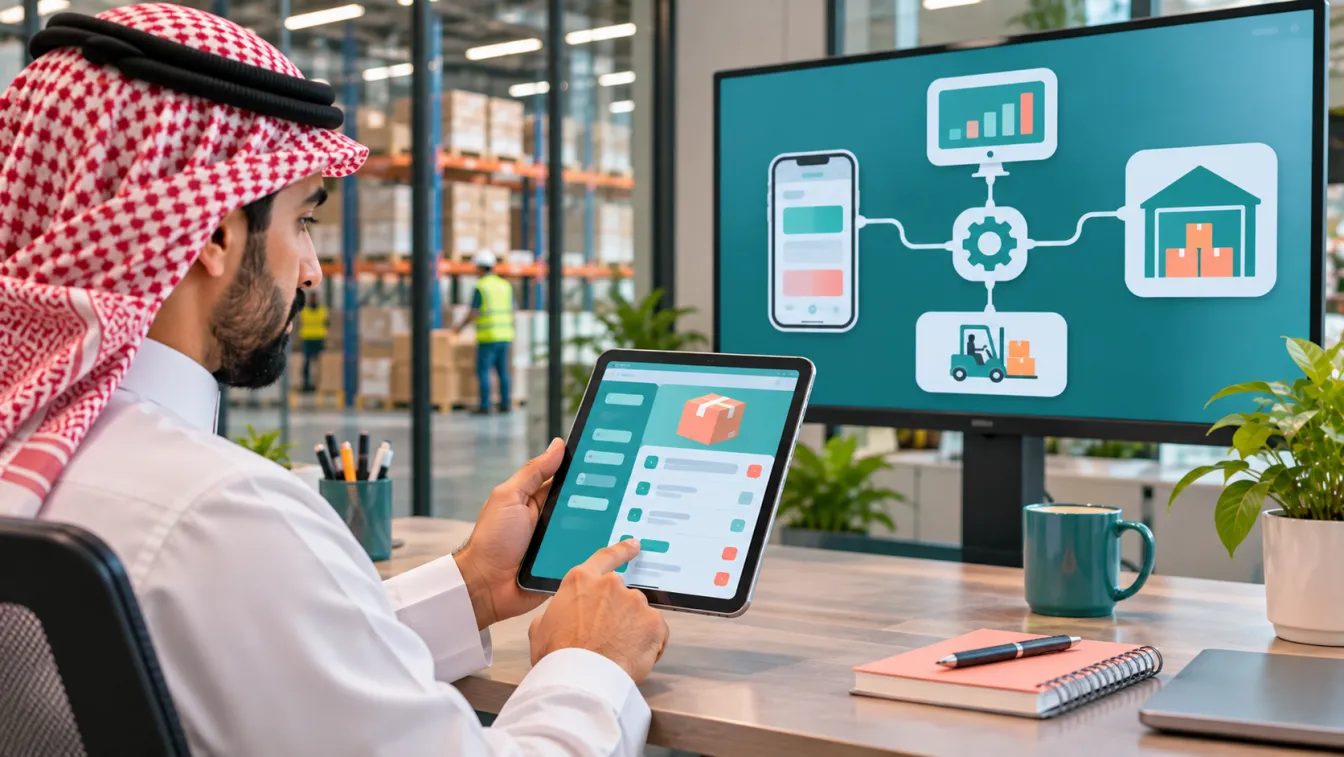
ERP mobile app integration connects a mobile application to an enterprise resource planning system so users can access and exchange business information through a mobile interface. It can support workflows such as checking inventory, creating sales orders, approving purchase requests, reviewing invoices and tracking operational activities without relying entirely on desktop access.
For a business considering this approach, the challenge is not simply connecting two systems. The integration must preserve business rules, permissions, data accuracy and operational workflows. An app development company in Riyadh should understand both the mobile experience and the ERP processes behind it. At LtsThink, we design mobile applications alongside their backend and business-system integrations. Explore our mobile app development services to see how a connected application can support wider business operations.
What is ERP mobile app integration?
ERP mobile app integration is the process of connecting a mobile application to an ERP platform through supported interfaces, APIs, middleware or other integration mechanisms.
An ERP system commonly manages business functions such as:
- Finance and accounting.
- Sales and customer orders.
- Purchasing and supplier records.
- Inventory and warehouse operations.
- Manufacturing and production.
- Projects and resource management.
- Human resources and payroll.
- Branch and operational reporting.
A mobile application can expose selected information and actions from these areas to customers, employees, managers or field teams.
For example, a sales representative may use a mobile app to check product availability, prepare a quotation and submit an order. The ERP remains responsible for the relevant inventory and sales records, while the application provides a more accessible interface for the employee.
The objective is to make the right information available to the right user at the right point in a business process, without creating disconnected copies of important records.
1. Why connect a mobile app to an ERP system?
Many businesses already use ERP software to manage their internal operations. However, employees may still rely on calls, messages, spreadsheets or manual data entry when they work away from the office.
A connected mobile application can help by:
- Giving authorised employees access to relevant business information while away from their desks.
- Allowing sales teams to create orders or quotations from customer locations.
- Helping warehouse staff check stock and update operational records.
- Supporting managers who need to review or approve requests.
- Giving field teams access to assigned tasks and job details.
- Reducing repeated entry of the same information across systems.
- Making selected customer services available through a mobile interface.
Consider a hypothetical Saudi contracting company. Its site engineers may need to submit material requests, record site expenses and review assigned tasks. If these activities are connected to the ERP, approved information can become part of the company's procurement, inventory and project workflows.
The value comes from improving a real process, not from putting every ERP screen on a phone. Choose mobile functions according to the work users need to complete and the information they are authorised to access.
2. Which ERP functions should be available in the mobile app?
The appropriate features depend on the business, its ERP configuration and the users who will access the application.
Common integration opportunities include:
- Inventory: Check item availability, warehouse balances and stock movements.
- Sales: Create quotations, submit sales orders and review order status.
- Purchasing: Submit purchase requests and follow approval progress.
- Finance: View permitted invoice information, payment status and financial summaries.
- Projects: Review assigned activities, milestones and project information.
- Field operations: Receive tasks, submit updates and attach supporting documents.
- Human resources: Access permitted employee services, leave requests and attendance functions.
- Customer records: Retrieve authorised account and contact information.
Not every function should be available to every user. A salesperson may need product availability and customer order history, while a warehouse employee needs stock information and picking tasks.
Start by mapping user roles to the ERP functions they require. Then decide which actions should be read-only and which actions can create or update records.
For sensitive operations, additional approval or verification may be necessary before a mobile action changes an important business record.
3. How does the integration work?
A mobile application should not normally connect directly to an ERP database. A controlled integration layer provides a safer way to exchange information and apply business rules.
A typical architecture includes:
- Mobile application: The interface used by employees, customers or managers.
- Application backend: Handles authentication, business logic, user permissions and application-specific data.
- Integration layer: Communicates with the ERP through supported APIs or integration services.
- ERP platform: Maintains the authoritative business records and executes its configured processes.
- Monitoring and logging: Records integration activity, failures and relevant operational events.
When a user requests information, the application backend checks the user's permissions and retrieves the permitted data through the integration layer. When the user submits an action, the backend validates the request before sending it to the ERP.
The ERP should remain responsible for the business rules and records that it owns. For example, an application may submit a purchase request, but the ERP should apply the configured approval workflow and record the resulting transaction.
This separation helps prevent mobile interfaces from bypassing essential controls.
4. APIs, middleware and integration methods
The right integration method depends on the ERP platform, its available interfaces, the mobile application's requirements and the organisation's existing infrastructure.
Common approaches include:
- REST APIs: Allow applications to request or submit structured information through defined endpoints.
- ERP web services: Use interfaces supplied by the ERP platform for supported business operations.
- Middleware: Connects different systems and manages data transformation, routing and orchestration.
- Webhooks: Notify another service when supported events occur.
- Scheduled synchronisation: Transfers selected information at configured intervals when immediate updates are unnecessary.
- Message queues: Help process asynchronous tasks and manage workloads between systems.
Real-time communication is not required for every workflow. A stock availability check may need a current response, while a management report may be suitable for scheduled updates.
During ERP mobile app integration, evaluate which data needs immediate access, which can be synchronised later and what should happen when the ERP or network is unavailable.
Do not assume that every ERP supports the same APIs or integration capabilities. Review the actual product, version, configuration, licensing conditions and available technical documentation before selecting an approach.
5. Data synchronisation and the source of truth
One of the most important integration decisions is determining which system owns each type of information.
If both the mobile application and ERP independently maintain the same business record, conflicting information can appear. For example, an employee may update a customer's contact details in one system while another system still contains an older version.
Define a source of truth for key data such as:
- Customer and supplier records.
- Product information and stock balances.
- Sales orders and invoices.
- Purchase requests and approvals.
- Employee and project records.
- Payment and transaction status.
The integration should also define how updates move between systems. Some information may be retrieved from the ERP whenever requested. Other data may be cached or synchronised to support faster access or limited connectivity.
Consider the following situations:
- A mobile user submits an update while offline.
- The same record is changed in the ERP before synchronisation.
- An API request times out after the ERP has processed it.
- A user submits the same action more than once.
- A record is deleted or becomes unavailable in the source system.
These cases require clear conflict-handling, retry and duplicate-prevention rules. Without them, a technically connected application can still produce inaccurate business records.
6. Security, permissions and audit trails
Connecting an ERP to mobile devices extends access to important business information beyond the office. Security must therefore be part of the integration architecture from the beginning.
Important controls include:
- Secure authentication and session management.
- Role-based access to application features and ERP records.
- Appropriate API authentication and authorisation.
- Encrypted communication between components.
- Secure handling of tokens and credentials.
- Device and session management where required.
- Logging of important actions and approval decisions.
- Monitoring of unusual access and failed requests.
- Backup and recovery procedures for relevant application data.
Permissions should be enforced by the backend and ERP, not merely by hiding buttons in the mobile interface. A user should not be able to perform an unauthorised action by modifying an application request.
Audit trails are particularly important for financial, purchasing, inventory and approval workflows. The organisation should be able to identify who performed an action, what changed and when the relevant event occurred.
For Saudi organisations, assess applicable personal-data requirements, including the Personal Data Protection Law (PDPL) where relevant. Data hosting and residency expectations may also depend on the organisation and information involved. Confirm specific obligations with the relevant authority or a qualified adviser.
7. Integrating with Odoo and other ERP platforms
Integration possibilities vary across ERP products and their configurations. A platform may provide standard APIs, web services, connectors or supported modules, but the available options depend on the deployed version and setup.
For an Odoo implementation, the integration team should first understand the installed applications and configured business workflows. Relevant areas may include Accounting, Sales, CRM, Inventory, Purchase, Manufacturing, Project, HR and Payroll, Point of Sale and Field Service.
The goal should be to use standard ERP functionality where it meets the business requirement and introduce custom integration logic only where necessary.
Before development, review:
- The ERP edition and deployed version.
- Enabled applications and custom modules.
- Existing API access and integration permissions.
- Custom fields and business rules.
- Approval workflows and record ownership.
- Existing integrations with other systems.
- Authentication and hosting arrangements.
- The process for testing changes before production release.
For example, a hypothetical distributor may need a mobile sales application connected to Odoo. Sales representatives could view permitted product information and submit orders, while Odoo continues to manage pricing rules, stock records and order processing.
This approach avoids duplicating complex ERP logic inside the mobile application.
8. Industry examples: where mobile ERP integration helps
The most useful mobile workflows differ by industry. Consider these examples when identifying integration opportunities.
Contracting and construction
- Site teams submit material requisitions.
- Project managers review task progress.
- Employees record site expenses.
- Procurement teams follow purchase approvals.
- Managers review project information and relevant cost records.
Retail and distribution
- Sales representatives check product availability.
- Branch employees review stock information.
- Customers receive order updates.
- Managers monitor selected sales and inventory information.
- Employees submit replenishment requests.
Manufacturing
- Supervisors review production tasks.
- Teams record selected production updates.
- Warehouse staff check material availability.
- Quality employees submit inspection information.
- Managers monitor operational exceptions.
Field services
- Technicians receive assigned jobs.
- Employees review customer and location details.
- Teams record work completion.
- Supporting photos or documents are attached to service records.
- Managers review job status and outstanding tasks.
Each example should be adapted to the organisation's ERP configuration and operating procedures. Do not assume that the same mobile workflow is suitable for every company in an industry.
9. Offline access and unreliable network conditions
Some employees work in warehouses, construction sites, remote locations or facilities where connectivity may be unreliable. A mobile application may therefore need limited offline functionality.
Offline access can support selected tasks such as viewing previously synchronised information, recording a field update or preparing a request for later submission.
However, not every ERP operation is suitable for offline use. Actions involving stock availability, financial approval or changing order status may require current information from the ERP.
Design offline behaviour carefully:
- Identify which information can be stored temporarily on the device.
- Define which actions can be completed offline.
- Display when information was last synchronised.
- Queue eligible updates for later submission.
- Detect conflicts when records have changed elsewhere.
- Avoid presenting an unconfirmed action as a completed ERP transaction.
- Protect locally stored data and clear it appropriately when access is revoked.
The application should explain whether an update is saved locally, waiting to synchronise or confirmed by the ERP. Clear status messages prevent employees from assuming that an action has been recorded when it has not.
10. Planning an ERP-connected mobile app MVP
A business does not need to expose every ERP function in the first mobile release. Start with a small number of workflows that solve clear operational problems and can be tested end to end.
A first release might include:
- Secure employee login and role-based access.
- A selected set of ERP records for viewing.
- One or two high-value mobile workflows.
- A controlled method for submitting updates.
- Basic notifications and status information.
- Integration logging and error handling.
- An administration interface for relevant settings.
For example, a contracting business might begin with site material requests and approval status rather than trying to reproduce its entire ERP system on mobile devices.
Before release, test successful and failed requests, duplicate submissions, permission restrictions, network interruptions and synchronisation conflicts. Validate that the resulting ERP records match the intended business process.
If the workflow itself is unclear, document the requirements and test the user journey with a prototype before committing to full integration development. Our guide to mobile app requirements explains how to define roles, workflows, integrations and acceptance criteria.
11. What to prepare before choosing an integration partner
A clear technical and operational brief makes it easier to evaluate the work and avoid assumptions about what the ERP connection will deliver.
Prepare the following information:
- ERP product, edition, version and hosting arrangement.
- Applications and modules currently in use.
- Mobile user groups and their permissions.
- Business workflows that should be available on mobile.
- Data fields that need to be read or updated.
- Existing APIs, connectors and third-party integrations.
- Rules for synchronisation and data ownership.
- Security, privacy and audit requirements.
- Offline access and network expectations.
- Required mobile platforms and language support.
- Testing, monitoring and ongoing maintenance responsibilities.
When evaluating mobile app developers in Jeddah or elsewhere in Saudi Arabia, ask whether the team can work with both the mobile application and the ERP integration layer. Also clarify who will coordinate with the ERP administrator or implementation partner when access, configuration or workflow changes are needed.
LtsThink approaches ERP-connected applications as part of a wider business system. We can help define the mobile workflows, develop the application and backend, and assess how the solution should communicate with existing ERP, CRM, POS and operational platforms.
The objective is not to duplicate the ERP on a smaller screen. It is to make selected business processes more accessible while keeping information accurate, permissions controlled and the underlying system reliable.
Work with us: Need to connect a mobile application to your ERP or other business systems? Explore mobile app development with LtsThink and discuss your integration requirements with our team. You can also review our guide to MVP app development to decide which connected workflows should be included in the first release.
FAQ
What is ERP mobile app integration?
It is the process of connecting a mobile application to an ERP system so authorised users can access or update selected business information through supported APIs or integration services.
Can a mobile app connect to Odoo?
Yes, subject to the deployed Odoo version, configuration, available interfaces and access permissions. The integration should use supported methods and respect the business rules configured in the ERP.
Should the mobile app connect directly to the ERP database?
Usually not. A controlled backend or integration layer is generally preferable because it can manage authentication, permissions, validation, business logic and error handling without exposing the ERP database directly.
Can employees use an ERP-connected mobile app offline?
Some functions can support limited offline access, such as viewing previously synchronised information or recording updates for later submission. Actions requiring current ERP data should be validated when connectivity is restored.
How do you keep ERP and mobile app data consistent?
Define a source of truth for each important record, specify how updates are synchronised and implement conflict handling, duplicate prevention, logging and monitoring. Test the integration against real business workflows before release.