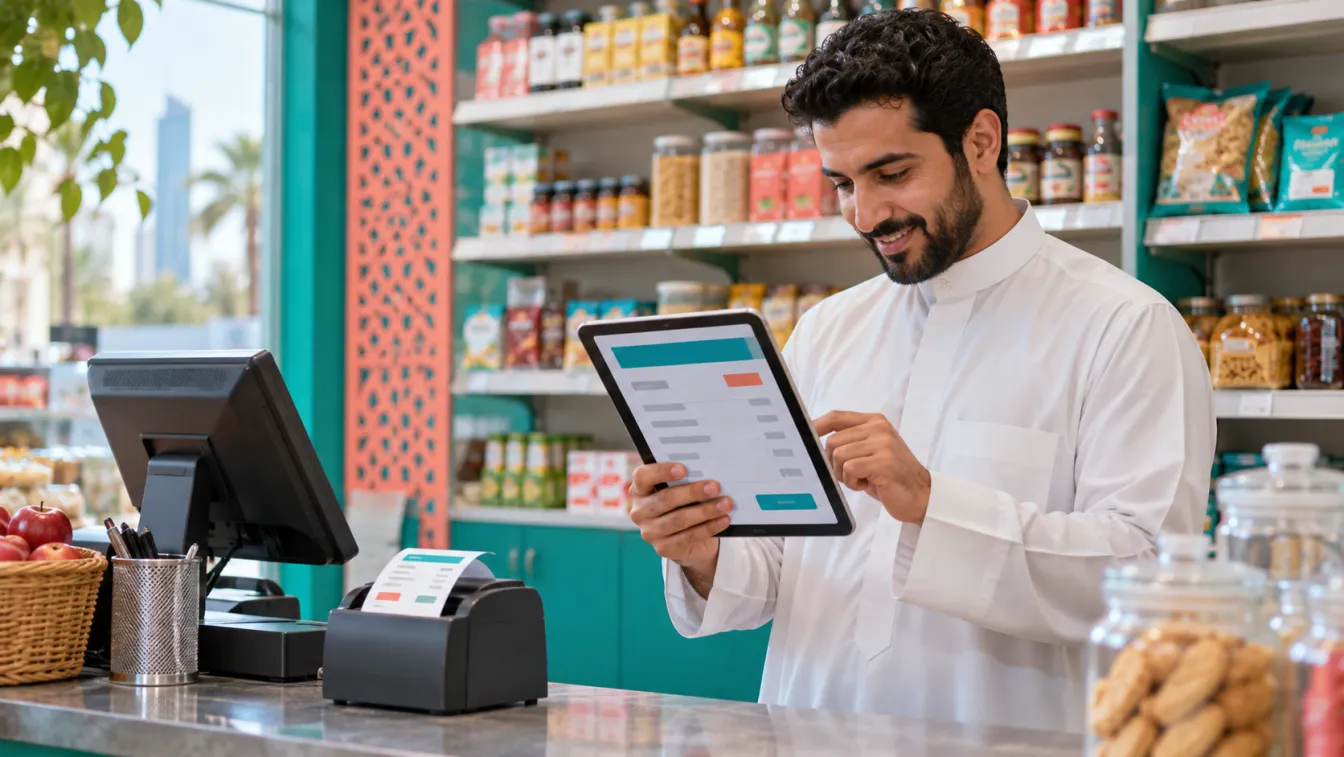

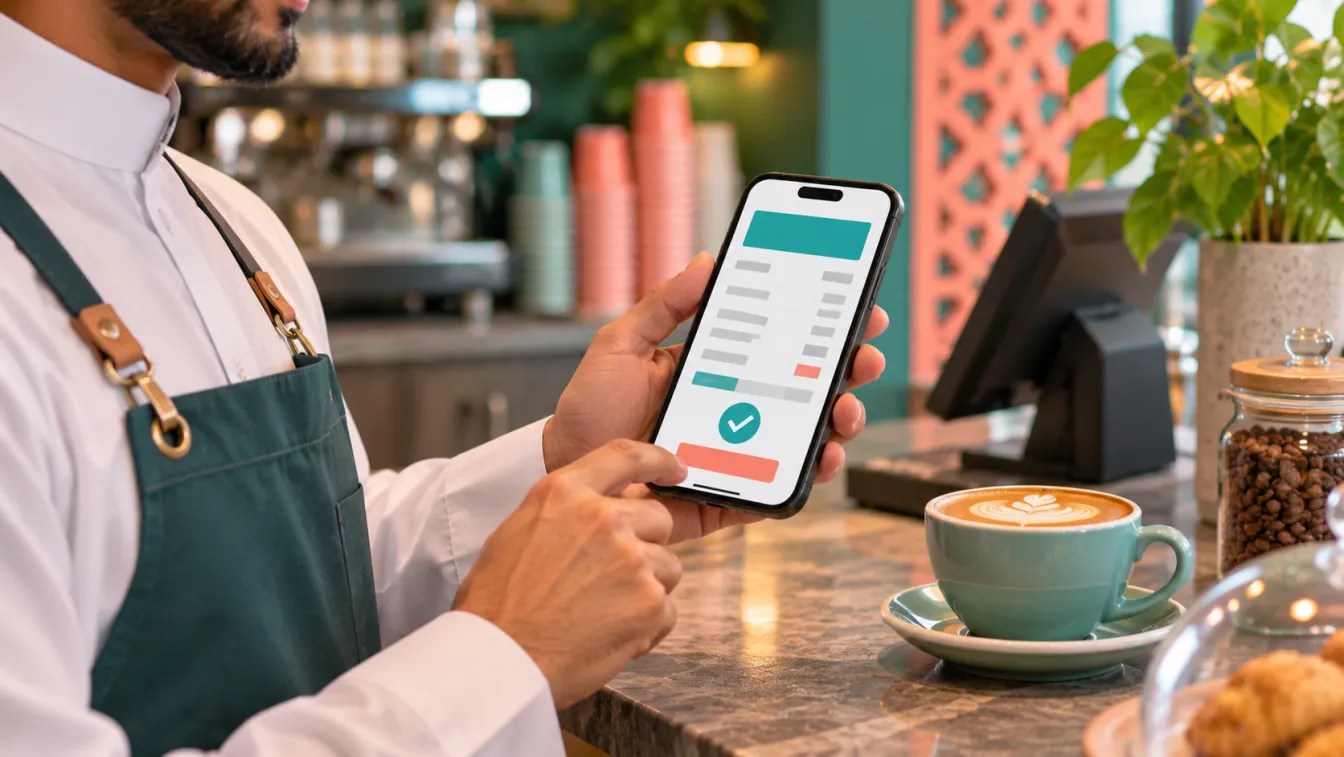
Mobile e-invoicing makes it easier for small Saudi businesses to issue and manage invoices without depending on a desktop computer or complicated administrative processes. With a suitable invoicing system, a shop owner, café manager, home-business operator or service provider can create an invoice, record a transaction and share the document with a customer directly from a phone.
However, using a phone to issue an invoice is only part of the process. The invoicing solution must also support the applicable ZATCA requirements, including Fatoora integration where the business is subject to the Integration Phase. The practical goal is to make invoicing part of your normal daily workflow while keeping business records organised. You can explore how accounting and e-invoicing systems for Saudi businesses can support this approach.
What is mobile e-invoicing?
Mobile e-invoicing means using an electronic invoicing solution through a smartphone or another mobile device to create, manage and access business invoices.
Instead of preparing a document on a computer, printing it or searching through old messages to find transaction details, an authorised user can access the invoicing system from a mobile interface and complete the relevant steps.
Depending on the system, this may include:
- Selecting a customer or entering the required customer information.
- Recording the products or services being invoiced.
- Entering the relevant transaction details.
- Generating an electronic invoice through the invoicing solution.
- Accessing the invoice record after creation.
- Sharing the invoice with the customer through an appropriate channel.
- Reviewing previous invoices and transaction information.
The system may operate through a mobile-friendly website or an application. What matters is that the invoicing process is usable on a phone and the underlying solution supports the applicable technical requirements.
Mobile e-invoicing should not be confused with simply creating a PDF, taking a screenshot or sending a manually prepared document through WhatsApp. An electronic invoice must be generated through an appropriate invoicing solution, and businesses subject to Phase Two must also meet the applicable integration requirements.
Why do small Saudi businesses need phone-friendly invoicing?
Many small businesses do not operate from a traditional office. The owner may manage customer enquiries, sales, supplier communication and payments from a single phone.
A shop owner might receive orders through WhatsApp, a home-based seller might arrange deliveries through direct messages, and a maintenance provider might visit customers throughout the working day. In these situations, returning to a computer every time an invoice is needed creates unnecessary interruptions.
A phone-friendly invoicing process helps bring these activities together. The owner can record a transaction while the details are available, access previous invoices and avoid maintaining separate records across different conversations and documents.
Consider a hypothetical home-based business selling customised products. The owner receives an order through WhatsApp, confirms the customer information and prepares the invoice using a mobile invoicing interface. The invoice record remains within the business system rather than being lost among unrelated conversations.
A hypothetical maintenance service provider may follow a similar process after completing a customer visit. Instead of promising to send an invoice later from the office, the authorised employee can prepare the invoice using the business system while the transaction details are clear.
These examples demonstrate the operational benefit of mobile invoicing: fewer disconnected steps and more organised records.
How to issue an invoice from your phone
A useful mobile invoicing workflow should be straightforward enough for the business owner or authorised employee to follow during normal operations.
Start by opening the business invoicing system
Access the invoicing solution through its mobile application or mobile-friendly website. Use your authorised business account rather than sharing a common login between employees.
The system should present the relevant invoicing functions clearly. You should be able to identify where to create a new invoice, access customer information and review previous transactions.
If the interface is available in Arabic, check that the labels, invoice information and navigation are understandable to the people who will use it.
Select the customer or enter their details
Choose the relevant customer record if the customer already exists in the system. Otherwise, enter the information required for the transaction and the applicable invoice type.
For a small service provider, this could involve selecting a customer and describing the service delivered. For a retailer, it may involve identifying the items being sold and recording the relevant transaction information.
Avoid entering customer information casually into unrelated personal notes or storing unnecessary details in messaging conversations. Keep business records within the appropriate system and follow the applicable data-handling practices.
Add the products or services
Enter the relevant products, services, quantities, prices and other information required for the invoice.
The interface should make it easy to review the information before generating the document. Clear item descriptions and consistent transaction records help the business understand what was sold and make future accounting reviews easier.
A hypothetical small contractor, for example, might record a maintenance service and its agreed charges. A home-based seller might record the products included in a customer's order. The invoicing process should accommodate the actual business activity rather than forcing every transaction into an unsuitable template.
Review and generate the invoice
Before creating the invoice, check that the information entered is correct and that the required fields are complete.
The invoicing solution should generate the appropriate electronic invoice according to the applicable requirements. Where the business is subject to Fatoora integration, the underlying system must handle the relevant technical processing and integration workflow.
The mobile interface should make the result easy to review without suggesting that a manually created document or image is an acceptable replacement for the required electronic invoice.
Share the invoice with the customer
Once the invoice has been generated and processed through the applicable workflow, the business can provide it to the customer through an appropriate communication channel supported by its invoicing process.
For businesses that already communicate through WhatsApp, sharing an invoice through that channel can fit naturally into the customer experience. The important distinction is that WhatsApp is a communication channel, not a substitute for the invoicing system itself.
Save and retrieve the transaction record
After issuing the invoice, make sure its record is retained within the business system. This allows the owner or authorised accountant to find the transaction later, review its details and organise the related accounting information.
Avoid relying on the phone's photo gallery or personal message history as the main archive for business invoices.
Does mobile invoicing support ZATCA and Fatoora requirements?
Yes, a mobile-friendly interface can be part of an appropriate e-invoicing solution. However, using a mobile device does not automatically make an invoice compliant.
The important distinction is between the device used to access the system and the capabilities of the invoicing solution itself.
ZATCA's Integration Phase requires targeted taxpayers to use an e-invoicing solution that supports the applicable technical and business requirements and integrates with the Fatoora platform.
For businesses included in Wave 25, ZATCA states that taxpayers whose VAT-liable revenue exceeded SAR 187,500 in any of 2022, 2023, 2024 or 2025 must integrate their e-invoicing solution with Fatoora no later than 1 February 2027. ZATCA notifies the targeted taxpayers directly.
This means that a business should not choose an invoicing arrangement simply because it works on a phone. It must also establish whether the underlying system supports the requirements applicable to its circumstances.
You can review ZATCA's official Wave 25 announcement and confirm your individual obligations directly with the authority.
What should you look for in a mobile invoicing system?
The right system should make everyday invoicing practical while maintaining organised accounting records.
Consider these features when reviewing a solution:
- Mobile-friendly interface: Invoice creation and record access should work comfortably on a smartphone screen.
- Arabic-first experience: Users should be able to understand the interface and invoice information in Arabic.
- Customer records: The system should help organise relevant customer information without repeatedly entering the same details.
- Clear invoice creation: Products, services and transaction information should be straightforward to review.
- Fatoora integration capability: The underlying solution should support the technical requirements applicable to the business.
- Invoice history: Authorised users should be able to retrieve previously issued invoices.
- Accounting organisation: Sales and invoice information should support the business's accounting workflow.
- Access controls: Each user should have appropriate access to the information and functions needed for their role.
- Support: The business should know who can help with technical configuration and operational questions.
Mobile e-invoicing in Riyadh and mobile e-invoicing in Jeddah should be evaluated using the same principles. The business location does not change the importance of technical compatibility, Arabic usability and a reliable invoicing workflow.
Common mistakes when issuing invoices from a phone
Mobile convenience can introduce problems if the business does not establish a clear process.
- Using WhatsApp as the invoice archive: Conversations are useful for communication, but they should not replace organised business invoice records.
- Creating invoices as ordinary images: A screenshot or manually prepared PDF does not automatically meet electronic invoicing requirements.
- Entering customer information inconsistently: Different spellings, incomplete details and duplicate records can complicate accounting.
- Sharing login credentials: Employees should use appropriate individual access rather than sharing one account informally.
- Ignoring internet connectivity: The business should understand how its invoicing solution behaves when a connection is unavailable. Do not assume offline activity will automatically complete any required integration process.
- Failing to review invoice details: Check the transaction information before generating the invoice.
- Keeping records only on one phone: Business records should remain accessible through the appropriate system rather than depending on one employee's personal device.
- Choosing an app without checking integration: A convenient mobile interface does not prove that the underlying system supports applicable ZATCA requirements.
How can a business organise its daily invoicing workflow?
A good mobile invoicing process should be consistent across customer enquiries, sales, invoice creation and accounting records.
Start by deciding who is authorised to issue invoices and who is responsible for reviewing the financial records. Establish a consistent way to enter customer information and describe products or services.
When a customer places an order, the responsible employee should record the transaction in the invoicing system rather than relying entirely on a WhatsApp conversation. After the invoice is generated, the business should retain the record and follow its normal process for recording the payment.
For example, a hypothetical café might use a phone or another suitable device to manage customer transactions and review invoice records. A small consulting business might allow its owner to create invoices while an accountant reviews the accounting information through the same connected system.
The process should be appropriate for the size and nature of the business. A small operation may only need straightforward invoicing and accounting functions. A contractor or a business with inventory and purchasing requirements may need a more connected system.
The goal is to remove unnecessary manual work while preserving clear responsibility and reliable financial records.
How LtsThink helps businesses implement mobile e-invoicing
At LtsThink, we help Saudi businesses organise their invoicing and accounting processes around the way they actually operate.
For a small merchant, this may involve setting up or building a mobile-friendly invoicing interface that allows authorised users to create invoices and access business records from a phone. For a service provider, it may involve connecting customer information, invoicing and accounting activities into a more consistent workflow.
Our implementation work can include:
- Designing Arabic-first invoicing interfaces.
- Setting up or building mobile-friendly accounting and invoicing systems.
- Organising customer, sales and invoice records.
- Implementing relevant Fatoora integration capabilities.
- Connecting invoicing with wider accounting and business workflows where required.
- Helping users understand how to operate the system in their daily work.
We assess the business requirements before recommending the appropriate implementation scope. A small business does not automatically need a complex ERP system if a simpler accounting and invoicing arrangement is sufficient.
You can explore our accounting and e-invoicing systems for Saudi businesses to understand how we approach these workflows.
If you are still comparing technical capabilities and integration requirements, read our guide on Fatoora integration and choosing an e-invoicing solution.
How to get started
Begin by reviewing how your business currently issues invoices. Identify whether transactions are recorded in WhatsApp, spreadsheets, paper documents or an existing accounting system.
Then identify who needs mobile access, what information should appear on invoices and how business records should be maintained. Confirm the applicable ZATCA requirements before selecting or configuring a solution.
Ask for a demonstration using a hypothetical transaction similar to your daily work. Test the mobile interface, invoice creation process, record retrieval and the way the system supports the required technical integration.
Choose a solution that fits your operations rather than selecting an application simply because it has a mobile interface. The right approach should make invoicing easier for the people running the business while maintaining the required accounting and technical processes.
ZATCA remains the reference for applicable e-invoicing requirements. Confirm your individual obligations with the authority or a qualified tax adviser. This article provides general information, not legal or tax advice.
Work with us: If you want to make invoicing easier for your team and organise your accounting workflow around mobile access, explore our accounting and e-invoicing systems for Saudi businesses or contact LtsThink to discuss your requirements. We can review your current process and provide a fixed-price proposal after a short call, based on the agreed scope.
FAQ
Can I issue an electronic invoice directly from my phone?
Yes. You can use a mobile-friendly invoicing system or application to create and access invoices. The underlying solution must still support the applicable electronic invoicing requirements.
Is sending an invoice through WhatsApp enough?
No. WhatsApp can be used to communicate or share an invoice, but it does not replace an appropriate electronic invoicing solution or the required Fatoora integration process.
Does mobile e-invoicing require a separate mobile application?
Not necessarily. Some solutions provide a mobile-friendly website, while others offer an application. The important consideration is whether the interface is practical on a phone and the underlying system supports the applicable requirements.
Can a small business use mobile invoicing for Fatoora integration?
Yes, provided the underlying invoicing solution supports the applicable ZATCA technical requirements and integration process. Mobile access alone does not establish compliance.