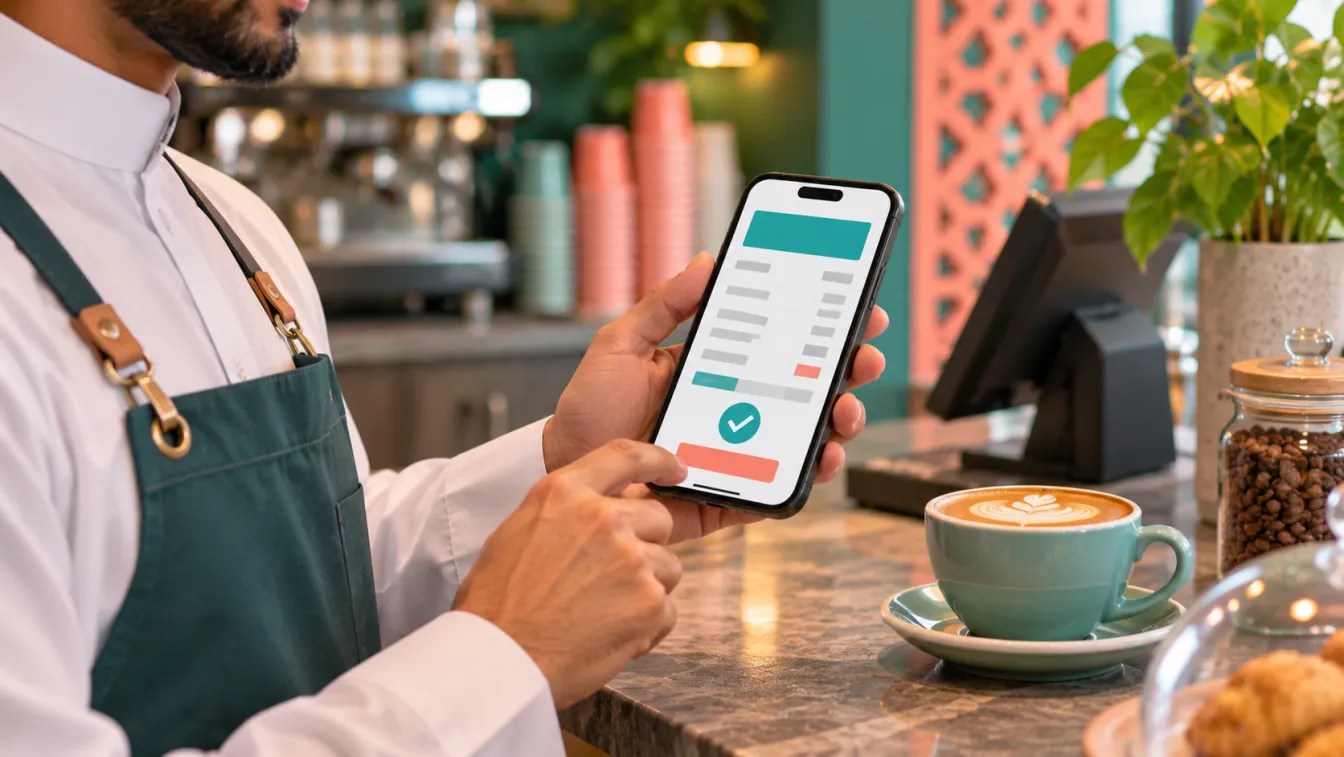


Fatoora integration is an important consideration when choosing an e-invoicing solution for a Saudi business. A system that simply creates electronic invoices is not necessarily capable of meeting the additional technical and integration requirements that apply during ZATCA's Integration Phase. Businesses need to understand what the solution actually does, how it connects with the Fatoora platform and whether it fits their daily accounting operations.
For a small shop, café, home business or service provider, the right choice should make invoicing easier rather than introduce unnecessary administrative work. Before selecting a system, evaluate its integration capability, invoice generation, record management, Arabic interface, mobile usability and implementation support. Your starting point should be a clear understanding of your business requirements and the accounting and e-invoicing systems available for Saudi businesses.
What does Fatoora integration actually involve?
ZATCA's Integration Phase requires targeted taxpayers to connect their electronic invoicing solutions with the authority's Fatoora platform. It also introduces additional business and technical requirements for invoice generation and the information included in electronic invoices.
This means that an e-invoicing solution must do more than produce an invoice that looks professional on a screen. It needs to support the applicable technical specifications, generate invoices in the required electronic formats and communicate with the platform through the appropriate integration process.
According to ZATCA's published guidance, Phase Two involves electronic invoice formats such as XML or PDF/A-3 with embedded XML, with the relevant submission and processing requirements depending on the invoice type. The platform performs validation as part of the applicable process.
For businesses included in Wave 25, ZATCA states that taxpayers whose VAT-liable revenue exceeded SAR 187,500 in any of 2022, 2023, 2024 or 2025 must integrate their e-invoicing solution with Fatoora no later than 1 February 2027. ZATCA notifies the targeted taxpayers directly. You can review the official Wave 25 announcement to understand the announcement and confirm your own position with the authority.
What should you check before choosing an e-invoicing solution?
The most useful way to evaluate a system is to examine its capabilities against your actual invoicing workflow. A sales demonstration may look impressive, but you need to understand how the system performs when your business creates, processes, stores and retrieves invoices.
Integration capability and technical compatibility
Start by asking how the solution connects with Fatoora. The provider or implementation team should be able to explain the integration process, the technical configuration involved and how the solution handles communication with the platform.
Ask practical questions:
- Does the solution support the applicable ZATCA technical and business requirements?
- Can it generate invoices in the required electronic formats?
- Does it support the appropriate connection and submission process with Fatoora?
- How are validation responses and integration errors handled?
- Who is responsible for configuration, testing and ongoing technical support?
Do not accept a general statement that a system is compliant without understanding the actual implementation. Request a demonstration of the relevant workflow and ask for an explanation of how the technical requirements are addressed.
Correct invoice generation and information
The system should support the invoice information and technical fields required for the applicable transaction type.
Your evaluation should cover how the solution handles business information, customer details, transaction descriptions and other required invoice data. It should also explain how it manages the different invoice workflows relevant to your business.
A hypothetical maintenance company, for example, may issue invoices for different services and customers. Its system should help employees enter consistent information rather than rely on manually edited documents that can become inconsistent.
Ask whether the solution validates information before processing and how users are informed when required details are missing. The objective is to reduce avoidable mistakes while maintaining a clear process for invoice creation.
Invoice storage and retrieval
Issuing an invoice is only part of the accounting process. Your business also needs a practical way to find previous invoices and retrieve transaction information when required.
Check whether the solution provides organised invoice records, useful search options and a clear relationship between invoices and their underlying transactions. Consider how the business will access records when an accountant needs to review customer transactions or reconcile payments.
A small business owner who currently saves invoices in separate phone folders or WhatsApp conversations may benefit significantly from having a centralised record of invoicing activity.
Arabic-first usability
Language should be considered an operational requirement, not merely a design preference. Business owners and employees should be able to understand the invoicing process without struggling with unfamiliar terminology or an interface designed exclusively around another language.
Look for an Arabic-first interface that supports the way your team actually works. Check how business information is displayed, how invoices are reviewed and whether the people responsible for sales and accounting can use the system comfortably.
This is particularly useful for small businesses where the owner personally handles customer communication, sales and invoicing. A clear Arabic workflow can make adoption easier and reduce dependence on informal instructions.
Mobile-friendly invoicing
For merchants who operate primarily through a phone, mobile access can make a meaningful difference to daily work.
Check whether the solution allows authorised users to create invoices, review records and access the relevant information from a mobile device. Test the actual workflow rather than relying on screenshots or a general claim that the system is mobile-friendly.
A hypothetical home-based business may receive orders through WhatsApp and handle customer communication on a phone. Its invoicing solution should fit that working pattern while maintaining the required technical integration behind the scenes.
Support and implementation responsibilities
A technically capable system still needs to be configured properly. Before committing, establish who will prepare the business information, configure the solution, coordinate the integration process and test the complete workflow.
Ask what happens when an invoice cannot be processed, an integration error occurs or a user needs assistance. Understand whether support covers technical configuration, everyday invoicing questions or both.
Clear responsibilities make implementation easier to manage and help prevent the business from assuming that purchasing software automatically completes the integration process.
How to compare solutions without buying unnecessary features
Not every small business needs a complete ERP system. The appropriate solution depends on the complexity of its transactions, the number of people involved and the accounting activities it needs to manage.
A freelance consultant with straightforward invoicing requirements may need a focused accounting and e-invoicing arrangement. A small café may need to organise customer transactions and sales records. A contractor may also require project expenses, purchasing and supplier information to be connected with accounting.
When evaluating options, separate essential requirements from additional features.
- Essential: Applicable ZATCA technical requirements, Fatoora integration capability, correct invoice generation and organised records.
- Operational: Arabic usability, mobile access, user permissions and practical reporting.
- Additional: Inventory, purchasing, project accounting and other business workflows where they genuinely support the operation.
This approach prevents a small business from paying for complexity it does not need. It also helps identify when a simple invoicing solution is sufficient and when a more connected accounting system makes sense.
For businesses looking for a Fatoora integration solution in Riyadh or a Fatoora integration solution in Jeddah, the evaluation criteria should remain the same. Focus on the actual technical capabilities, implementation responsibilities and suitability for your accounting process rather than the location or appearance of a software demonstration.
What questions should you ask a solution provider?
Before selecting an implementation approach, prepare a practical discussion around your business operations.
Useful questions include:
- How does your solution connect with the Fatoora platform?
- Which applicable technical requirements does the current configuration support?
- How are invoices generated and checked before submission?
- What happens if the integration process returns an error?
- Can employees use the interface comfortably in Arabic?
- Can authorised users manage invoices from a mobile device?
- How are invoice records stored and retrieved?
- What information do you need from our accountant before implementation?
- Who handles testing, configuration and ongoing support?
Ask the provider to demonstrate a realistic workflow using hypothetical business information. This makes it easier to assess whether the system matches your actual requirements instead of relying on generic product descriptions.
You should also establish what is included in the implementation scope. Integration configuration, accounting setup, data preparation, user training and ongoing support may involve different responsibilities. Understanding those responsibilities before starting helps avoid misunderstandings.
Common mistakes when selecting an e-invoicing system
A poor selection process can create additional work even when the software appears convenient. Watch out for these mistakes:
- Choosing based only on invoice appearance: A professional-looking document does not demonstrate technical integration capability.
- Confusing electronic invoices with integrated invoicing: Creating and sharing a digital document is not equivalent to completing the applicable Fatoora integration process.
- Ignoring technical documentation: Ask how the system addresses the published requirements rather than relying on marketing descriptions.
- Overlooking invoice data quality: Inconsistent business or customer information can create avoidable operational problems.
- Ignoring mobile usability: If employees issue invoices from phones, test the real mobile workflow before choosing.
- Buying unnecessary ERP features: A simple operation may not need inventory, procurement or project management functionality.
- Assuming implementation is automatic: Configuration, testing and clear responsibility are important parts of the process.
- Ignoring support after implementation: Your business needs a way to address technical and operational questions when they arise.
How LtsThink approaches accounting and Fatoora integration
At LtsThink, we approach e-invoicing as part of the wider accounting workflow rather than treating it as an isolated document-generation feature.
We begin by understanding how the business sells, issues invoices, records payments and manages its accounting information. We then identify the technical and operational requirements that the proposed solution needs to address.
Depending on the business, our work can include setting up or building an accounting and e-invoicing system, designing Arabic-first interfaces, enabling mobile-friendly invoicing, organising financial records and implementing the relevant Fatoora integration capabilities.
For a small merchant, the priority may be a straightforward invoicing process that can be managed from a phone. For a contractor, the solution may need to connect invoices with project costs and supplier transactions. We avoid adding functionality that does not support the agreed business requirements.
Our implementation process also considers how the owner and employees will use the system after deployment. A useful solution should fit normal business operations, not require the team to develop a completely separate administrative routine.
If you are reviewing your options, start with our accounting and e-invoicing systems for Saudi businesses to understand how an organised accounting workflow can support your operations.
For additional guidance on whether the integration requirement applies to your business, read our article on checking your Wave 25 eligibility for ZATCA e-invoicing.
How to make your final decision
Before choosing a solution, write down the invoicing problems your business currently faces and the processes that need to improve. Identify who will issue invoices, who will manage accounting records and who will coordinate the technical implementation.
Then evaluate each proposed solution against the applicable ZATCA requirements, integration capability, invoice information, record management, Arabic usability, mobile access and support arrangements.
Ask for a practical demonstration using a hypothetical transaction similar to your normal business activity. Make sure you understand what the implementation includes, which responsibilities remain with your business and how the completed workflow will be tested.
A suitable solution is not necessarily the one with the most features. It is the one that meets the applicable requirements, fits your actual operations and can be maintained without creating unnecessary complexity.
ZATCA's published e-invoicing guidance should remain the reference for technical and regulatory requirements. Consult the authority or a qualified tax adviser when you need confirmation of your individual obligations. This article provides general information, not legal or tax advice.
Work with us: If you want to assess your current invoicing process or plan an accounting system with Fatoora integration, explore our accounting and e-invoicing systems for Saudi businesses or contact LtsThink to discuss your requirements. We can review your workflow, identify the appropriate technical scope and provide a fixed-price proposal after a short call.
FAQ
Does every e-invoicing solution support Fatoora integration?
No. A system that generates electronic invoices is not automatically capable of meeting the additional technical and integration requirements. Ask the provider to demonstrate how the solution supports the requirements applicable to your business.
What should I check before choosing a Fatoora integration solution?
Review technical compatibility, invoice generation, required information, integration processes, record storage, Arabic usability, mobile access and implementation support. Confirm the relevant requirements with ZATCA.
Can a small business use a mobile e-invoicing solution?
Yes, mobile-friendly invoicing can be practical for small merchants and service providers. However, mobile access must be part of a solution that also supports the applicable invoicing and Fatoora integration requirements.
Does my business need a complete ERP system for Fatoora integration?
Not necessarily. A focused accounting and invoicing solution may be sufficient for a business with straightforward operations. A more connected ERP system may be appropriate when inventory, purchasing, project costs or other workflows need to be managed together.